Commission calculator
Build a custom commission calculator tailored to your business. Just describe your commission structure, and get a working calculator tool instantly.
Use cases
How it works



Frequently asked questions
How do I create a calculator with tiered commission structures?
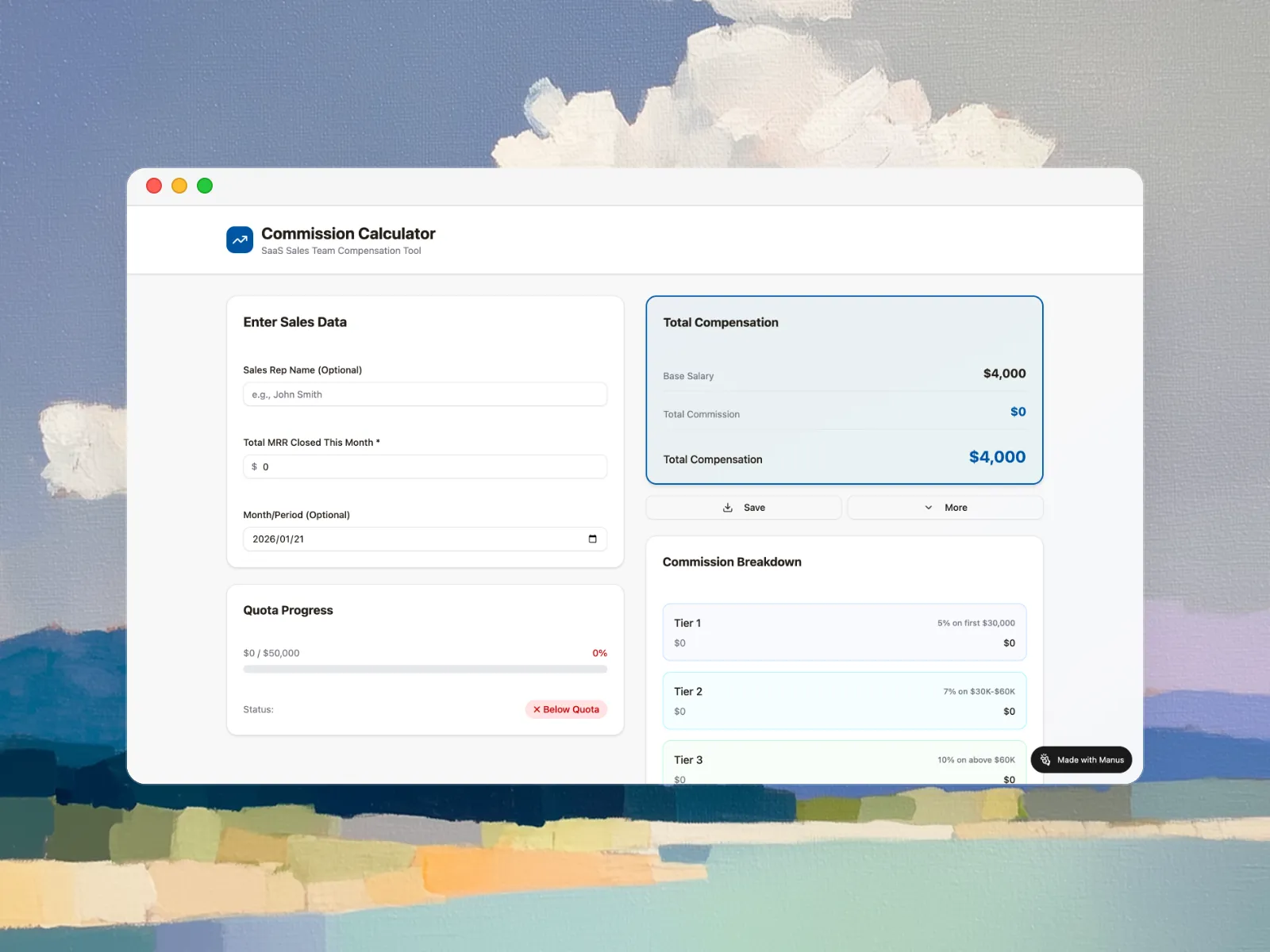
When describing your calculator requirements, simply explain your tier structure in plain language. For example: 'I need a calculator with three tiers - 5% on first $50,000, 7% on $50,000-$100,000, and 10% above $100,000.' Manus will automatically create a calculator with the appropriate input fields and implement the tiered logic. The generated calculator will show users a breakdown of how much commission comes from each tier. You can also upload a document outlining your commission plan, and the system will extract the tier information automatically.
Can I build a calculator based on profit instead of revenue?
Absolutely! When describing your calculator, specify that commissions should be calculated on profit margin rather than gross revenue. For example: 'Create a calculator where commission is 8% of profit. Users input sale price and cost, calculator shows profit and commission amount.' Manus will generate a calculator with fields for both revenue and costs, automatically computing the profit margin before applying the commission rate. This ensures your team is incentivized to pursue profitable deals. Many businesses use our report generator to analyze profitability trends alongside commission data.
Can I create calculators for different teams with different structures?
Yes! You can generate multiple calculators, each tailored to different teams or commission plans. For example, create one calculator for your inside sales team with a flat 7% rate, another for enterprise reps with tiered commissions, and a third for customer success with renewal-based commissions. Each calculator gets its own unique URL that you can share with the appropriate team. You can also create variations for different product lines, regions, or role types within your organization.
Can the generated calculator handle commission clawbacks and returns?
Yes! When describing your calculator requirements, specify how you want to handle returns or cancellations. For example: 'Include a field for returned sales amount that subtracts from total commission' or 'Add a checkbox for cancelled deals that shows adjusted commission.' The generated calculator will implement this logic automatically. Some businesses prefer calculators that show both gross and net commission after potential clawbacks, helping reps understand their risk exposure on new deals.
Can I create a calculator that supports multiple sales reps at once?
Yes! You can specify this requirement when building your calculator. For example: 'Create a calculator where users can input data for multiple reps in a table format, with automatic totals.' Manus can generate calculators with table-based inputs where each row represents a different sales rep, or create calculators that allow CSV file uploads for bulk processing. The generated tool will show individual calculations for each rep plus aggregate totals. You can use our AI design capabilities to create custom dashboards displaying commission data in visually compelling formats.
What types of commission calculators can I create?
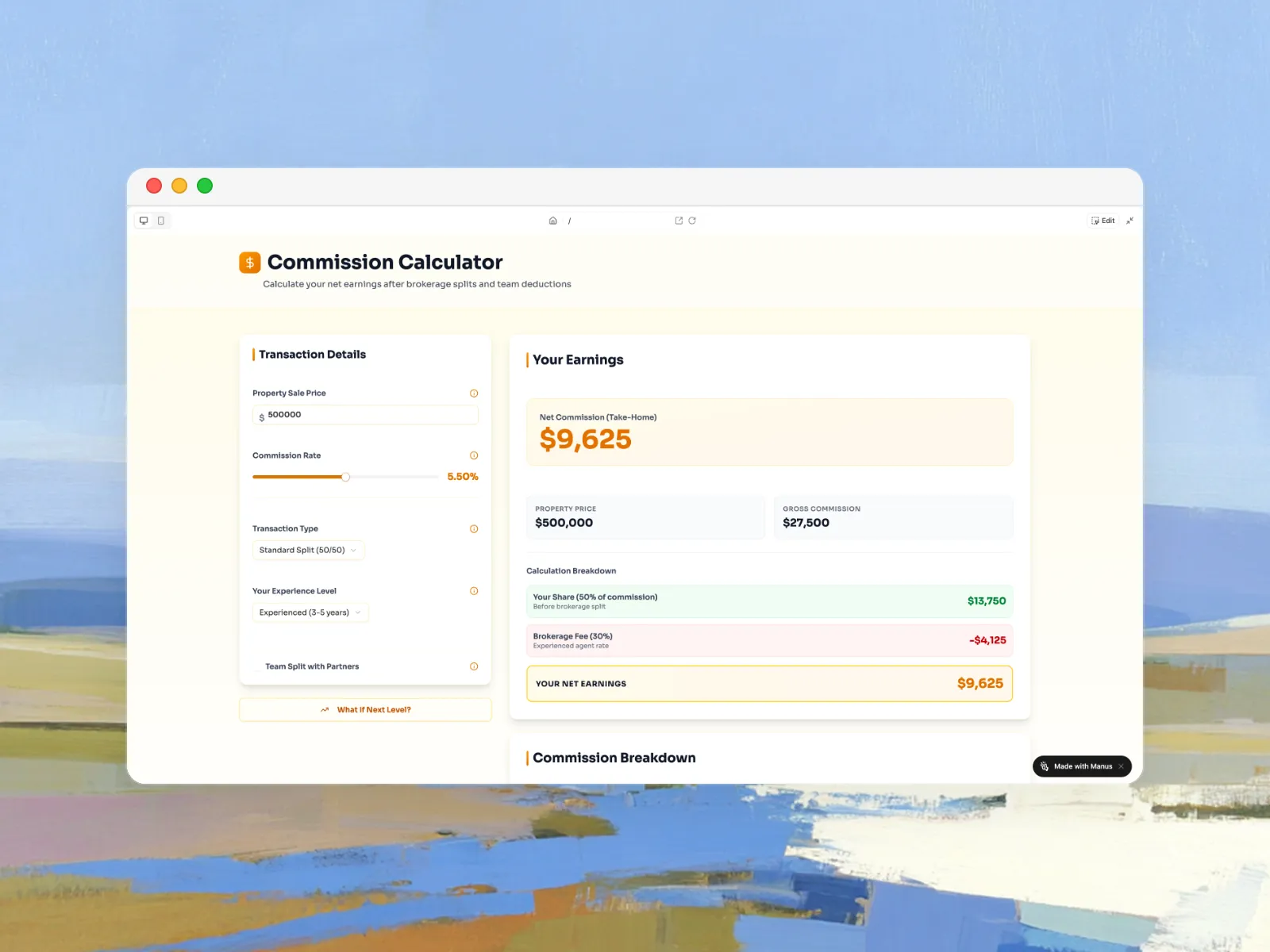
You can create calculators for virtually any commission structure including flat rate percentage, tiered or graduated scales, quota-based with accelerators, profit margin calculations, base salary plus commission hybrids, residual or recurring commissions for subscriptions, team or split commissions, and draw against commission structures. You can also build calculators combining multiple structures, such as base rates with quota accelerators and tiered bonuses. For specialized calculations beyond standard commission structures, explore our everything calculator to build custom financial tools for any business need.
Can I customize the look and feel of my calculator?
Yes! While Manus generates a professional, clean design by default, you can request specific styling preferences when describing your calculator. For example: 'Use my company colors - blue #1E3A8A and green #059669' or 'Make it look like a mobile app with large buttons.' You can also specify branding elements, add your company logo, or request particular layout styles. After generation, you can ask for design tweaks and regenerate with adjustments. The calculator is delivered as a responsive web tool that works perfectly on both desktop and mobile devices.
Can I create calculators with different rates for different products?
Absolutely! When describing your calculator, specify the different product categories and their respective rates. For example: 'Create a calculator with dropdown to select product type - Product A gets 5% commission, Product B gets 8%, Product C gets 3%.' Manus will generate a calculator with product selection functionality that automatically applies the correct commission rate based on what's selected. You can also create calculators that allow users to input multiple line items with different products, calculating total commission across all items sold.