3D interactive pottery creator
Create unique 3D pottery with just your hands and a webcam. Shape the clay in real-time and export your creation for 3D printing.
Use cases
How it works

Frequently asked questions
What is the 3D interactive pottery creator?
It is a web-based tool that allows you to sculpt 3D models of pottery using your hand gestures, which are tracked through your webcam. You can then download your creations as STL files.
How does the hand tracking work?
The application uses advanced computer vision technology to detect and track the position and gestures of your hands in real-time, translating your movements into interactions with the virtual clay.
What can I make with this tool?
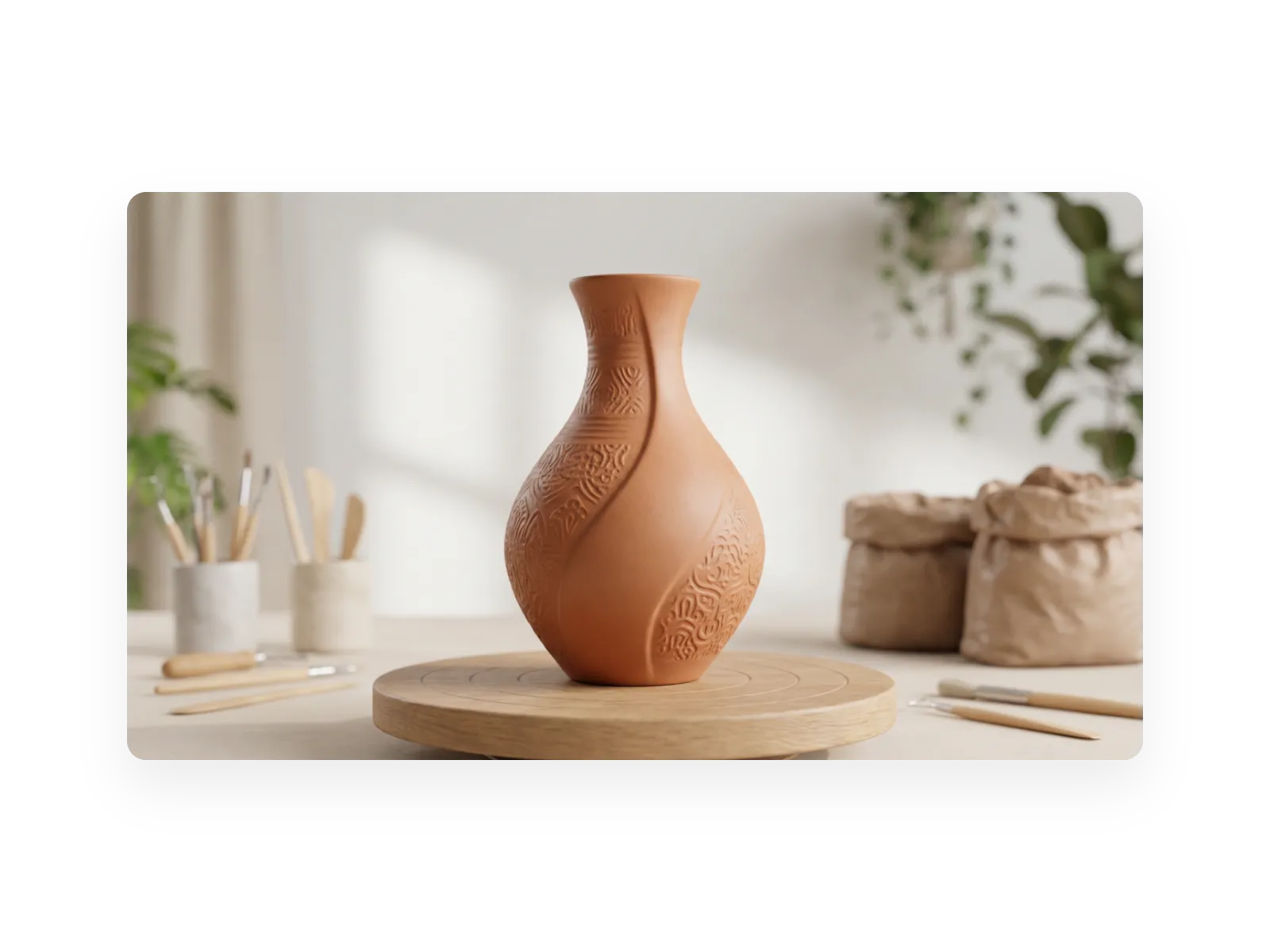
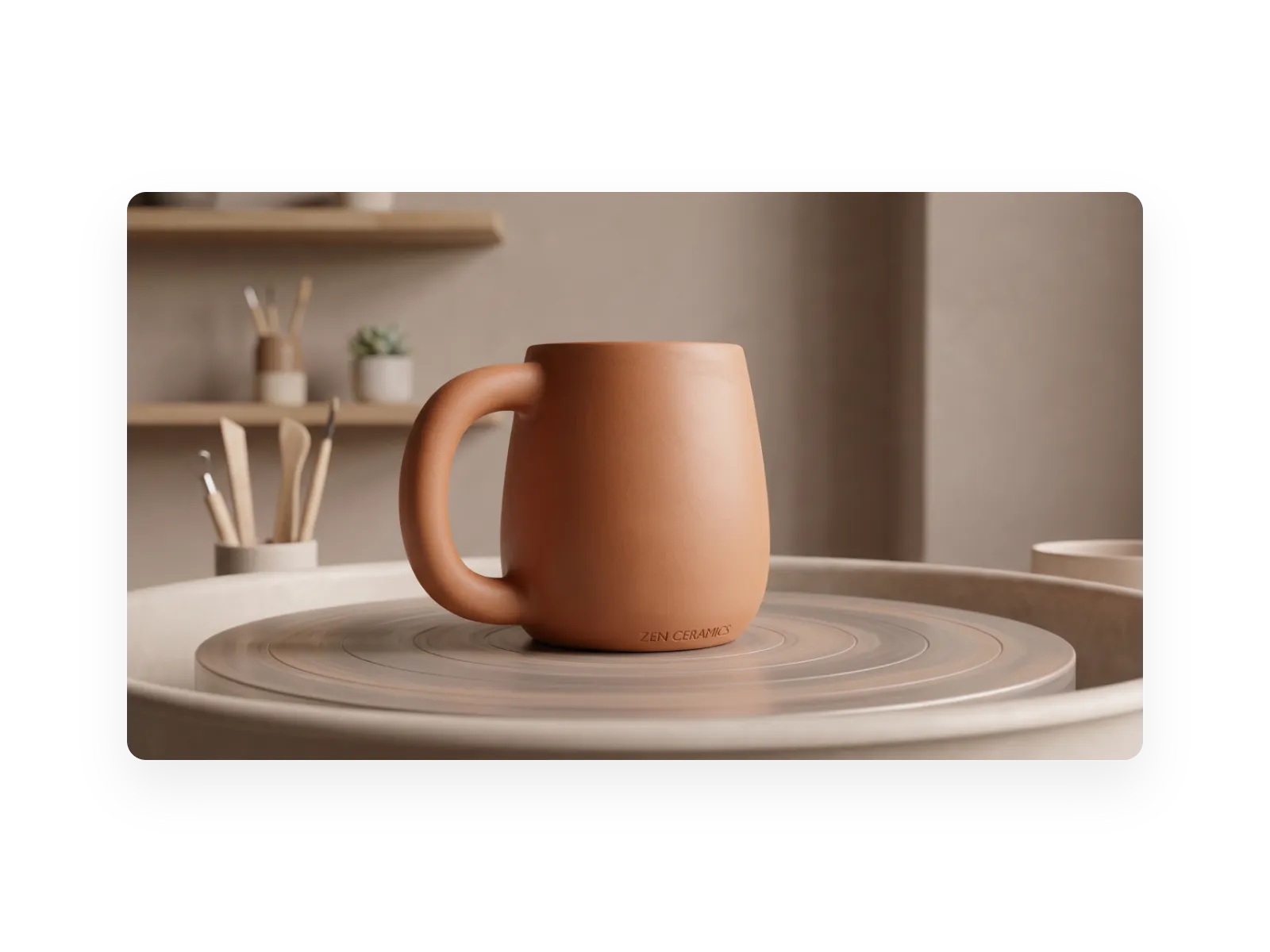
You can create a wide variety of pottery shapes, from simple cylinders to complex, artistic vases, bowls, and mugs. Your imagination is the only limit!
What file format can I download?
You can download your finished pottery as an STL (stereolithography) file, which is a standard format for 3D printing.
Do I need any special software to use this?
No, all you need is a modern web browser and a webcam. The entire experience runs directly in your browser with no installation required.
What are the initial dimensions of the clay?
The pottery starts as a cylinder with a 5 cm diameter base and a height of 10 cm, as specified in the initial prompt.
How do I control the shape of the pottery?
You can move your hand closer to the center of the virtual wheel to push the clay inwards (making it thinner), or pinch and move your hand away from the center to pull the clay outwards (making it wider).
Is this tool free to use?
Yes, you can use this tool to create and download your pottery. Manus offers free credits for new users to experience its full capabilities.