Mail Manus

모든 이메일을 실행으로 전환하세요.

받은 편지함에서 작업 완료까지 가장 빠른 경로입니다.

모든 이메일을 실행으로 전환하세요.
받은 편지함에서 작업 완료까지 가장 빠른 경로입니다.

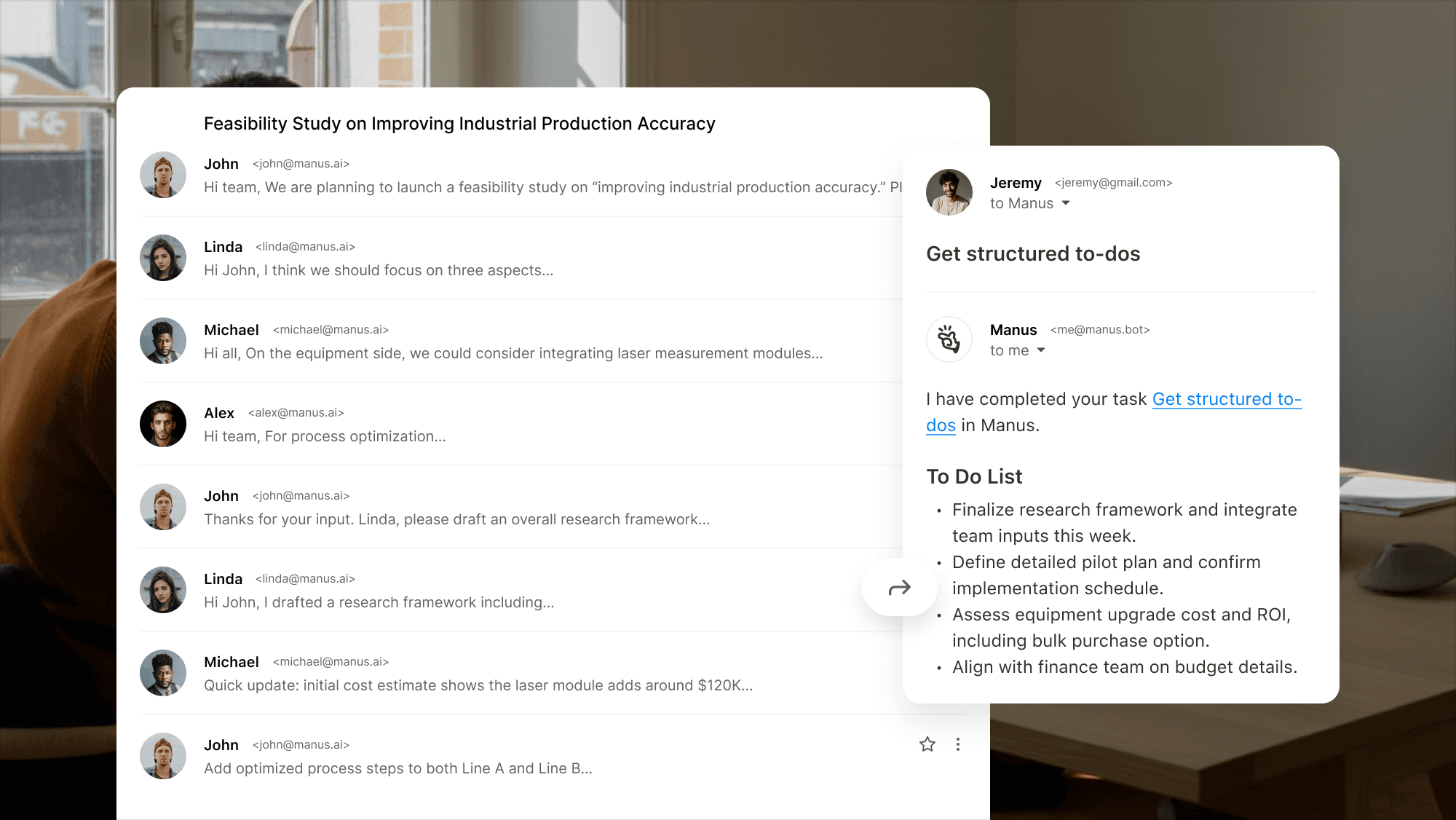
복잡한 이메일 스레드를 체계적인 할 일 목록으로 바꾸세요.

Example interface showing how Manus turns a long email thread into a clear to‑do list.

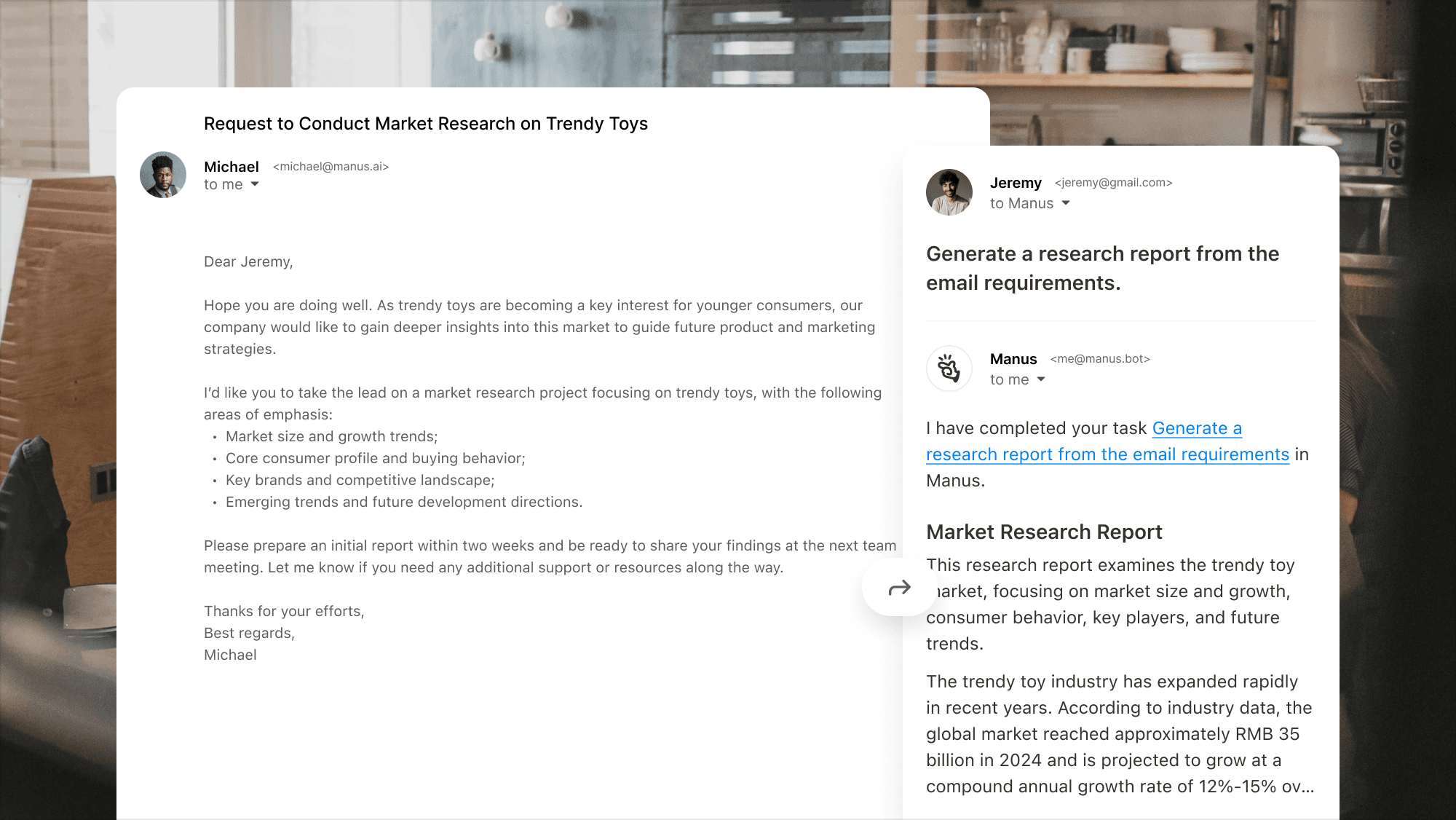
연구를 맡기세요, 심지어 가장 복잡한 작업에도.

Interface showing Manus handling a complex market research request and producing a concise research report.

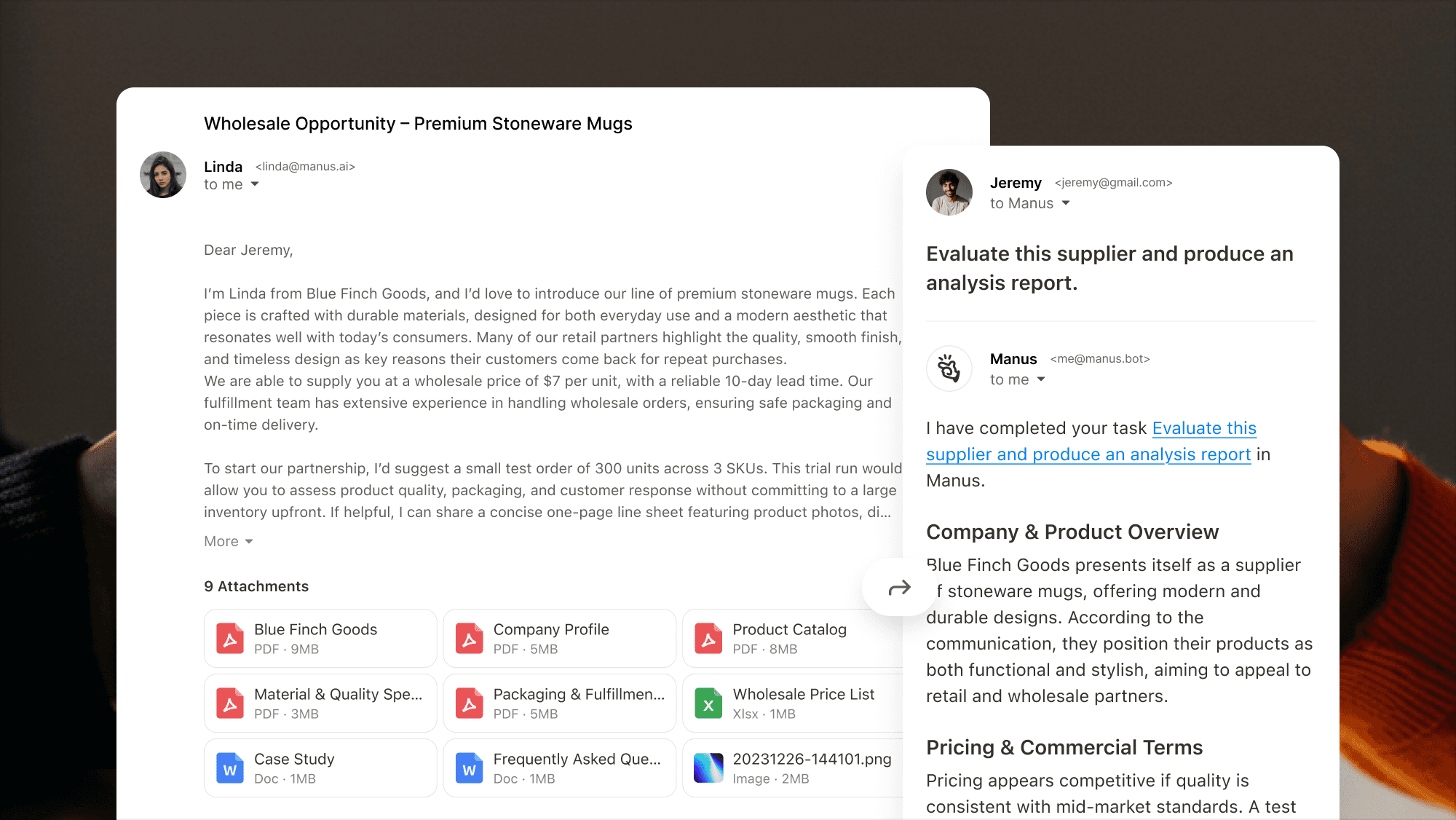
긴 이메일 및 첨부 파일

쉽게 처리할 수 있습니다.

Interface showing Manus extracting key points from a supplier‑evaluation email with multiple attachments and producing an analysis report.

왜 Mail Manus

View showing Manus extracting key points from a supplier‑evaluation email with multiple attachments.

이메일에서 완료까지

이메일에서 완료까지

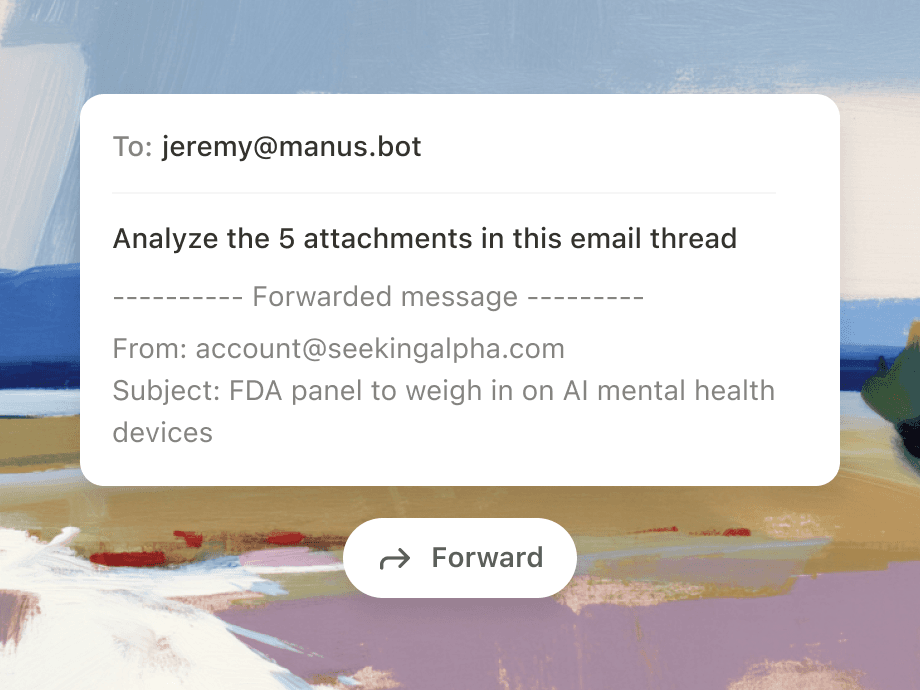
Mail Manus를 전달하거나, 보내거나, CC하여 즉시 이메일을 작업으로 전환하십시오.

Manus를 귀하의 받은 편지함으로 가져오세요

Manus를 귀하의 받은 편지함으로 가져오세요

메일 매누스는 받은 편지함 안에서 바로 전달하고, 계획하고, 출력합니다. 탭을 전환할 필요도, 문맥을 잃을 필요도 없습니다.
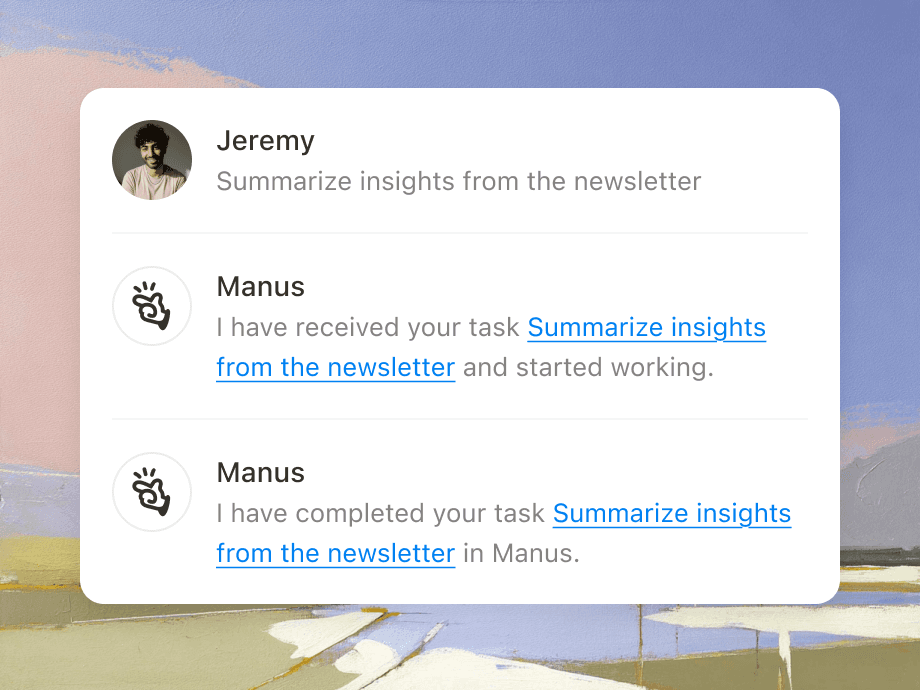
Illustration of forwarding an email with attachments to Manus.
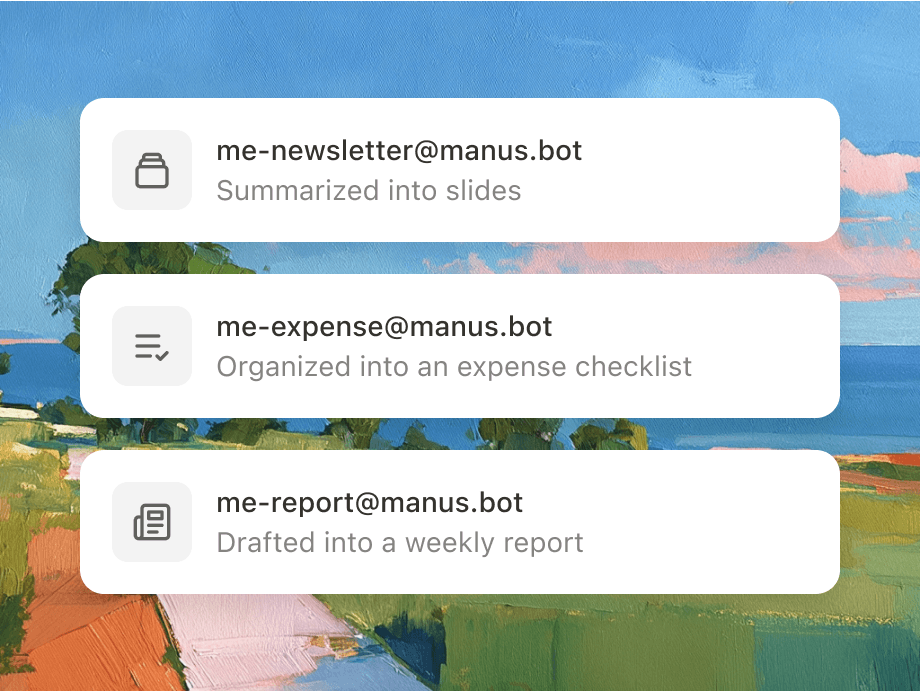
Graphic showing how different forwarding addresses.

이메일을 전달하여 자동화

이메일을 전달하여 자동화

이메일 자동화 규칙을 설정하고, Manus는 반복 작업을 능동적인 워크플로로 전환합니다.

받은편지함에서 바로 협업하기

받은편지함에서 바로 협업하기

Mail Manus와 팀원들을 포함시켜서 공동 작업을 만들고 서로의 진행 상황을 기반으로 발전하세요.
Illustration with colleague avatars.

작동 방식

1단계

수신 이메일을 생성하세요

@manus.bot으로 사용할 고유한 이메일 접두사를 선택하세요.

Illustration showing how to set up your unique Manus receiving address and workflow email.

2단계

발신 이메일을 연결하세요

이메일을 보낼 위치를 알려 주세요.

Interface illustrating how to link and authorize multiple sender email accounts in Manus.

3단계

이메일을 작업으로 전환

만약 당신이 방금 작업을 받았다면, 그냥 Manus에게 맡기세요.

Illustration showing Manus converting an incoming email into an actionable task.

이전

다음

1단계

수신 이메일을 생성하세요

@manus.bot으로 사용할 고유한 이메일 접두사를 선택하세요.

Illustration showing how to set up your unique Manus receiving address and workflow email.

2단계

발신 이메일을 연결하세요

이메일을 보낼 위치를 알려 주세요.

Interface illustrating how to link and authorize multiple sender email accounts in Manus.

3단계

이메일을 작업으로 전환

만약 당신이 방금 작업을 받았다면, 그냥 Manus에게 맡기세요.

Illustration showing Manus converting an incoming email into an actionable task.

자주 묻는 질문

Mail Manus를 어떻게 활성화하나요?

이메일로 작업을 어떻게 생성할 수 있나요?

워크플로우 이메일이란 무엇이며 무엇을 할 수 있나요?

공동 작업 기능은 어떻게 작동하나요?

Mail Manus를 어떻게 활성화하나요?

이메일로 작업을 어떻게 생성할 수 있나요?

워크플로우 이메일이란 무엇이며 무엇을 할 수 있나요?

공동 작업 기능은 어떻게 작동하나요?

시간을 되찾으세요.
Manus 앞으로 전달하기만 하면 됩니다.

시간을 되찾으세요. Manus 앞으로 전달하기만 하면 됩니다.